Why an Equal Number of Chores Rarely Feels Fair
Most households start by counting: five chores each, or alternate the same tasks every week. Counting feels objective, but it hides the work that never appears on a list. One person's five tasks might be short daily jobs; another person's five might include the planning, reminding and follow-up that keeps the household running.
A fairer definition is simpler to work with. Fairness is a transparent, adjustable allocation of workload — one everyone can see, question and change. It depends on at least five things:
- Effort — how much physical or mental energy a task takes
- Frequency — how often it has to happen
- Availability — who is home, able-bodied and awake when the task can be done
- Preferences — who minds a task, and who minds it less
- Planning responsibility — the invisible labor of noticing, deciding, reminding and delegating
Once fairness is defined this way, the shared family to-do list app becomes a coordination tool rather than a scorecard. The goal is not perfect equality in every week. It is a method that makes the load visible so it can be rebalanced before resentment builds.
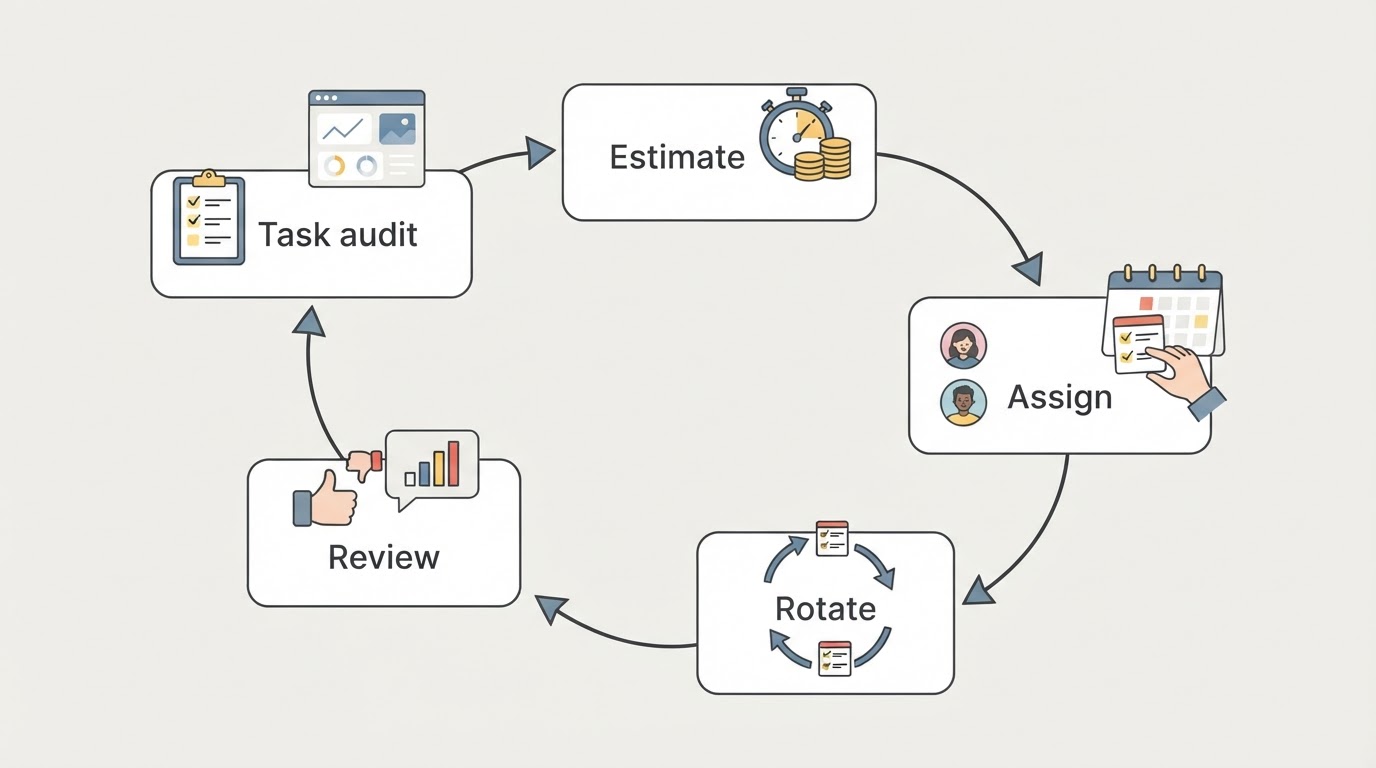
Step 1: Build a Complete Household Task Inventory
Write down every task that keeps the household running, before assigning anything. Do it in one sitting if you can, or over a few days if the household is large. The point is completeness, not neatness.
Walk through the household area by area and capture the recurring work: kitchen, bathroom, laundry, living areas, bedrooms, bins and recycling, pets, admin, school and childcare logistics, vehicles, outdoor space and seasonal jobs.
Then add the tasks that usually stay invisible:
- Noticing that supplies are running low and restocking them
- Meal planning and turning it into a grocery list
- Scheduling and remembering appointments, forms and payments
- Tracking who needs what, when, and following up
- Delegating and checking that shared work actually got done
A useful prompt for each person is: "What do you do around here that nobody notices?" The answers are often the missing half of the list.

Completion check: every recurring task has a name, an approximate frequency, and a note of anything that must happen on a specific day. If a task lives only in someone's head, it is still invisible — and still unbalanced.
Step 2: Estimate Frequency, Effort, Duration and Timing Constraints
For each task, add four estimates: how often it happens, roughly how long it takes, how much effort it demands, and whether it has a fixed window.
Keep the scale rough. A 1–3 effort rating and a rough duration range are enough to compare tasks. Resist false precision: the same chore can take 20 minutes in one home and an hour in another, and the people doing the work are the only reliable source for its estimates. Treat every number as a starting point to revisit, not a universal fact.
Frequency is where small tasks hide. A 10-minute daily job adds up to more than an hour a week, which is roughly the same as one weekly deep clean. Two quick checks help:
- Weekly load — multiply a task's frequency by its duration or effort to get a rough weekly figure, then compare totals across people rather than counting tasks.
- Fixed anchors — mark anything tied to a time: school pickups, bin day, medication, laundry that must finish before work.
Completion check: every task has a frequency, a rough duration, an effort score and a fixed-time note where relevant. Revisit the estimates after two weeks; they will be closer the second time.
Step 3: Assign an Owner and a Backup in the Shared List
An owner is the person responsible for seeing a task done, not necessarily the person who always does it. That distinction matters: an owner can do it, arrange a swap, or ask a backup for help — but the task does not silently drift back to whoever notices first.
Every task gets one owner. "The household" is not an owner; it is how tasks become one person's job by default.
Then add a backup — a second name who steps in when the owner is ill, travelling, working late or overloaded. Backups are what keep a reasonable week from collapsing into a missed one. For tasks only one person can do, such as managing a specific allergy or medication, mark them as single-owner and reduce that person's other commitments instead.
In a shared household chores app, look for a clear owner or assignment field, visible status and the ability to add notes for handover. If the tool does not have an assignment field, put the owner and backup in the task title: "Bathroom clean — Sam (backup: Alex)".
Completion check: no task is unassigned, every high-frequency or high-effort task has a named backup, and both names are visible to everyone in the shared list.
Step 4: Rotate Repetitive, Unpleasant and Time-Sensitive Chores
Some chores should not stay with one person forever. Rotation is the mechanism that prevents repetitive, unpleasant or heavy tasks from becoming someone's permanent identity.
Five options work for most households:
- Alternate weekly — two people swap the same set of tasks each week. Simple and predictable.
- Cycle by slot — split chores into two or three slots and rotate the slots monthly, so no one gets the worst task two months running.
- Swap window — owners may trade tasks within an agreed window as long as both agree and the list is updated.
- Pairing — attach an unpopular task to a preferred one, a podcast or a shared routine, instead of rotating it.
- Fixed-anchor rotation — time-sensitive tasks keep their day (bins go out on collection day) while the person rotates weekly.
Prioritise rotation for tasks that are repetitive, unpleasant, physically heavy or easy to resent. Keep specialist tasks with the person who has the relevant knowledge, but write the handover notes so the knowledge can move later.
Completion check: the rotation rule is written down — who rotates, what rotates and when the next swap happens — and the next swap date is in the shared list where everyone can see it.
An Illustrative Weekly Chore Table You Can Adapt
The table below shows how one household might record owners, backups and status in a family chore app. It is an example, not a measurement of fairness. Frequencies, effort estimates and durations vary with household size, home layout, work patterns, health and children's ages — your own estimates are the ones that count.
Task | Owner | Backup | Frequency | Effort estimate | Status |
|---|---|---|---|---|---|
Kitchen reset after dinner | Sam | Alex | Daily | Low (15 min) | Done today |
Bathroom clean | Alex | Sam | Weekly | Medium (30 min) | Due Friday |
Laundry: wash, dry, put away | Sam | Alex | 3 times weekly | Medium (20 min per load) | In progress |
Meal plan and grocery list | Alex | Sam | Weekly | Medium (25 min) | Due Sunday |
School forms and appointments | Sam | Alex | Weekly | Low (15 min) | Cleared |
Bins and recycling | Alex | Sam | Weekly | Low (10 min) | Tuesday |
Floors: vacuum and mop | Rotating | Other adult | Weekly | High (45 min) | Alex this week |
Bill check and budget glance | Sam | Alex | Fortnightly | Low (10 min) | Next Monday |
Copy the structure, replace the rows with your inventory, and keep the status column honest. A table that reflects the real week is more useful than one that looks balanced on paper.
Step 5: Run a Short Weekly Review Without Blame
A short review keeps the allocation adjustable. Put a 15-minute slot in the shared calendar — the same time every week — and work through three questions:
- What did not get done, and what got in the way? Fix the constraint: the day was too full, the task was too big, the reminder came too late. Blame ends the conversation; constraints can be changed.
- Who is carrying the planning and noticing this week? Check invisible labor directly, not just completed tasks. If one person is still doing all the reminding and delegating, the visible lists are not the whole story.
- What changes next week? Move a task, add a backup, rotate a chore, or lower the standard for a busy week.
End with everyone knowing their tasks, their backups and the next swap. One adjustment per week is enough to stop small imbalances from hardening.
Completion check: next week's rows are updated in the shared list, each person can state their own tasks and backup, and at least one adjustment was made whenever the previous week showed strain.
What to Look for in a Shared Family To-Do List App
The method works with any list both people can see and update, but a few capabilities make it much easier to sustain:
- Owner and backup fields or a clear way to show responsibility per task
- Recurring tasks so weekly and monthly chores do not need re-entry
- Shared status — everyone can see what is done, due or overdue
- History to spot which tasks slip repeatedly and why
- Notes per task for handover details and preferences
- Due dates and reminders for time-sensitive chores
- Sync across devices so the list stays current wherever people are
A good family chore app or shared household chores app earns its place by making ownership visible without a second conversation. A dedicated chore tracker app for adults can work for couples too; the deciding factor is whether both people trust and update the same list. If you are choosing a mental load app for couples, test one week with your real inventory before committing to a tool.
A Verified Proxium Option and How to Start
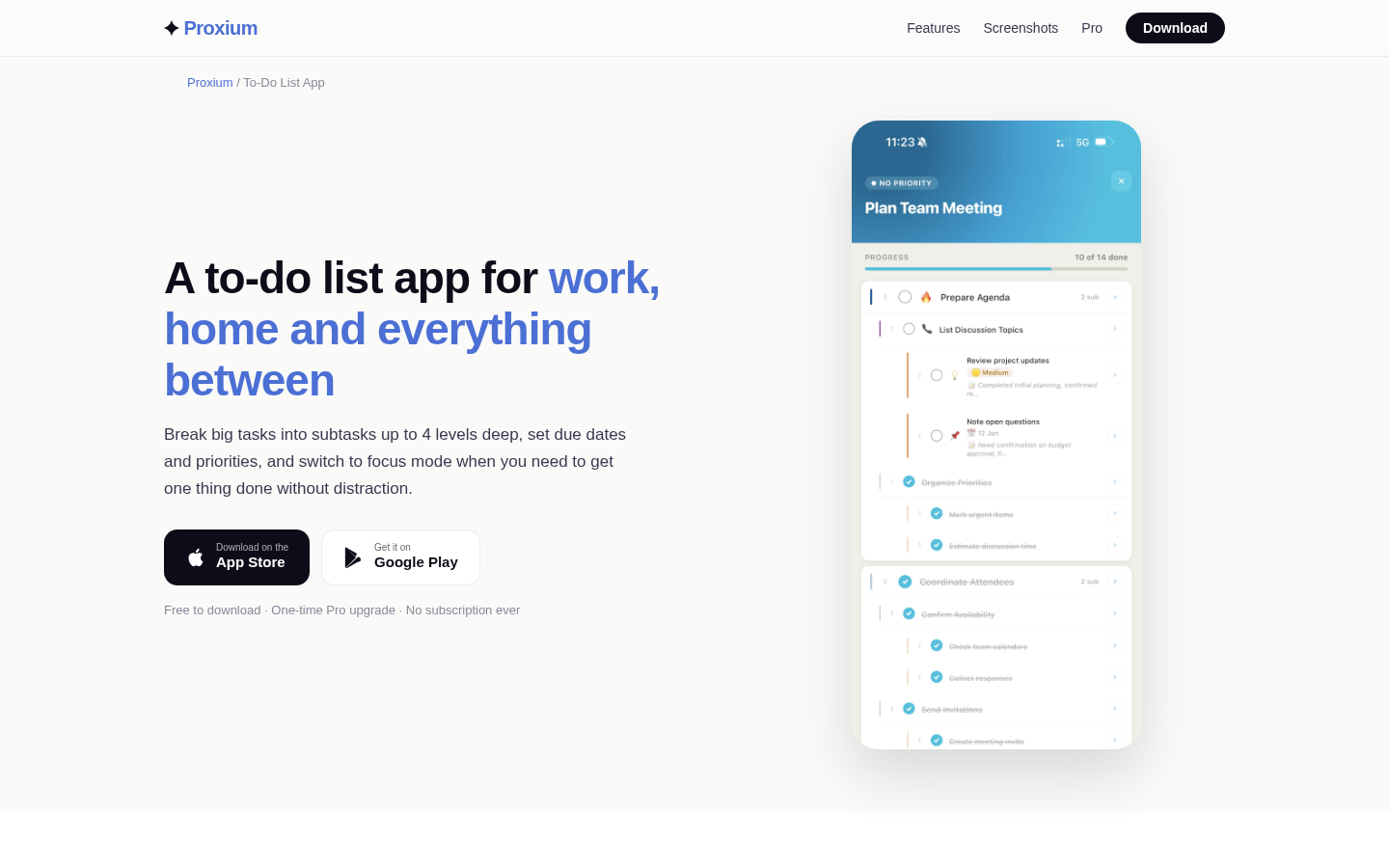
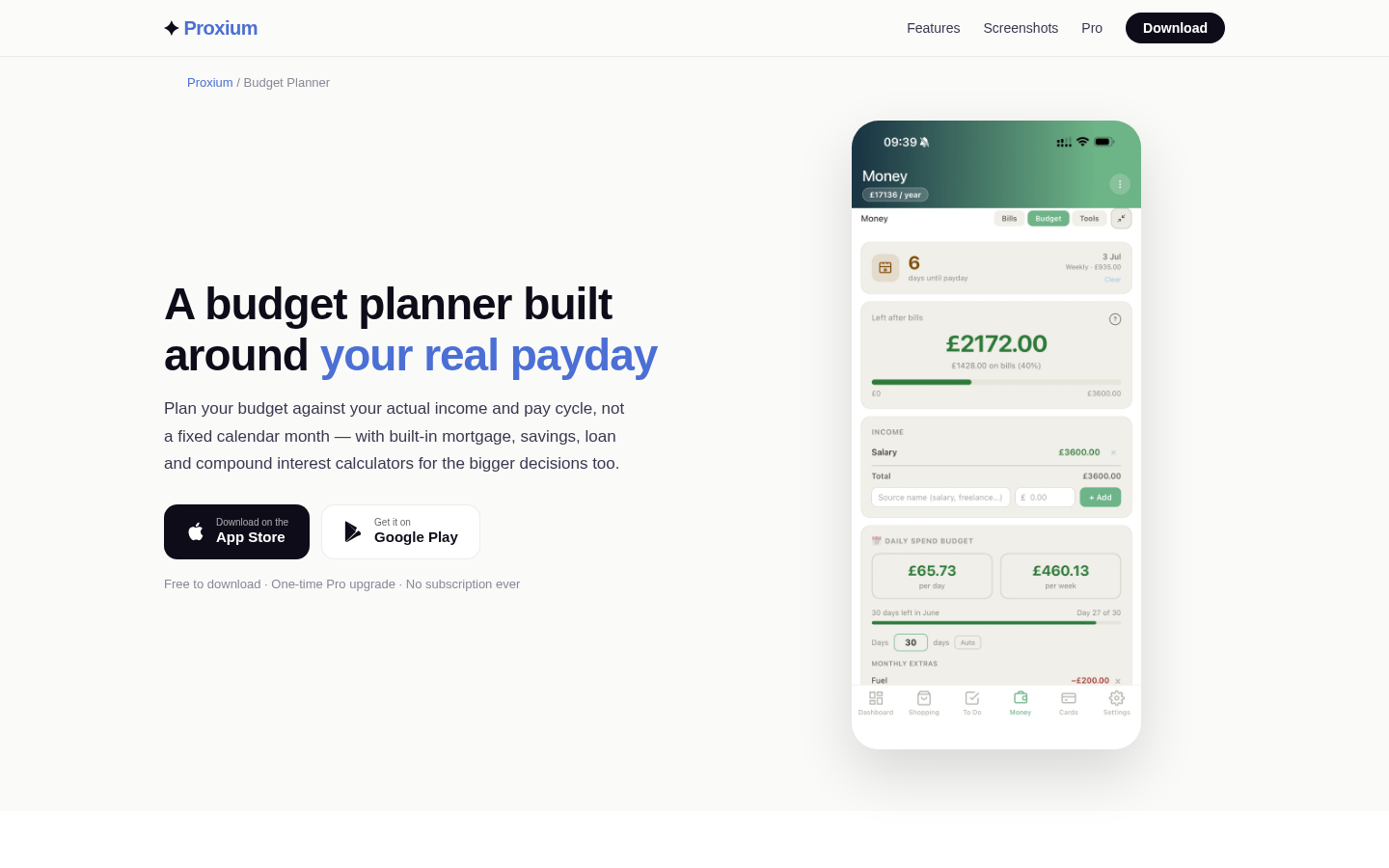
Proxium is an all-in-one household app that includes a tasks list alongside shopping lists, a shared calendar, bills and budgeting. Its official to-do list page describes subtasks up to four levels deep, due dates, priority levels, task notes and a focus mode, with cloud sync across devices, and its homepage describes family sharing that syncs shopping, tasks and the calendar across everyone invited. Proxium is free to download with a one-time Pro upgrade and no subscription.
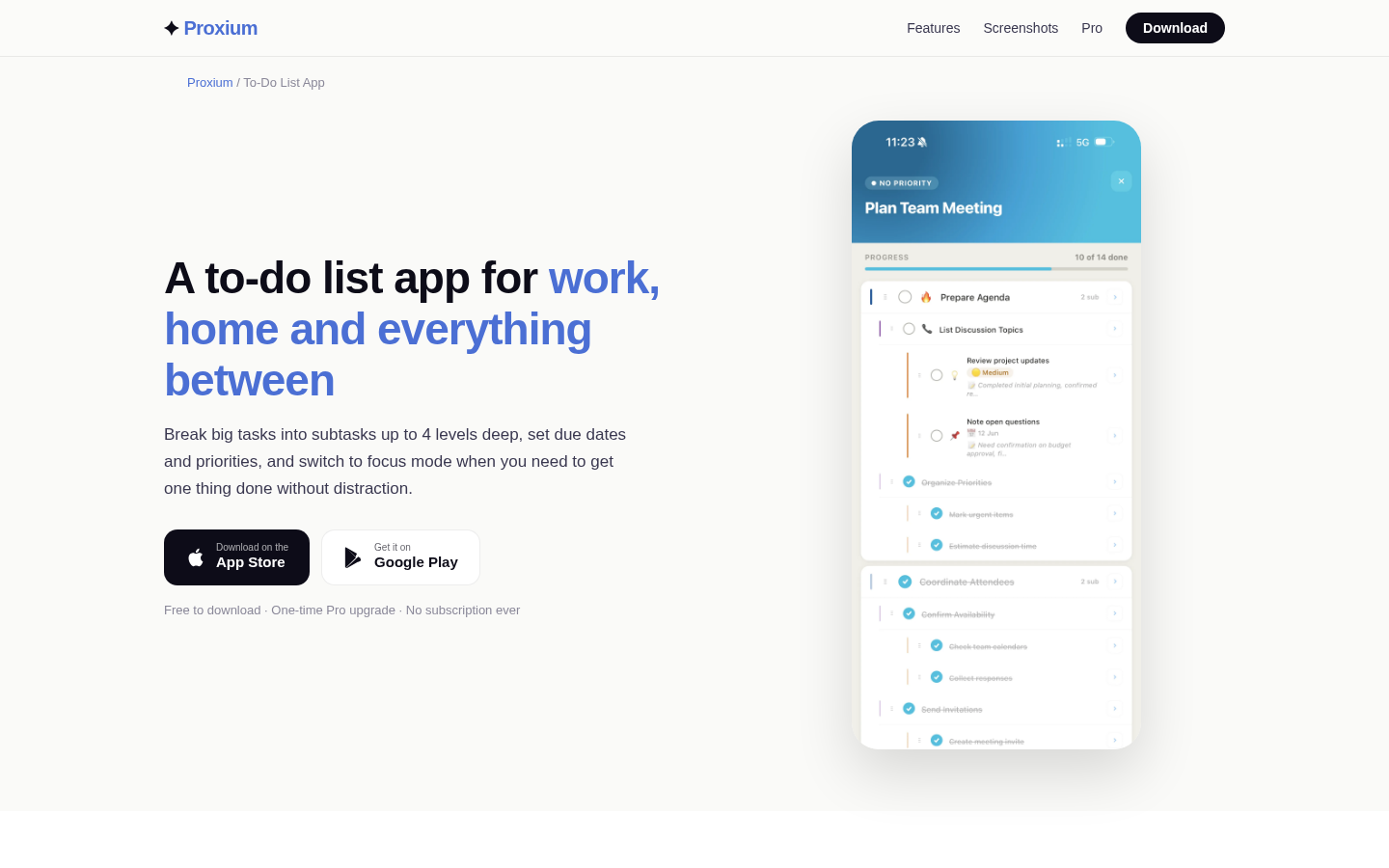
Feature landing page for to-do list app with subtasks, due dates, priority levels, and focus mode.
Those are the capabilities to check against the method above. If a specific capability you want for owner fields, rotation notes or history is not confirmed on the current official pages, treat it as something to verify in the app rather than an assumption — and put the owner and backup in the task title meanwhile.
To start this week: build the inventory, estimate effort and frequency, assign an owner and a backup for every task, write one rotation rule, and book the 15-minute review. The list will not be perfect the first week. It only needs to be visible and adjustable — that is what dividing household chores fairly looks like in practice.
You can download Proxium or explore Proxium Pro from the official Proxium site or your usual app store.